
Dates that connect you
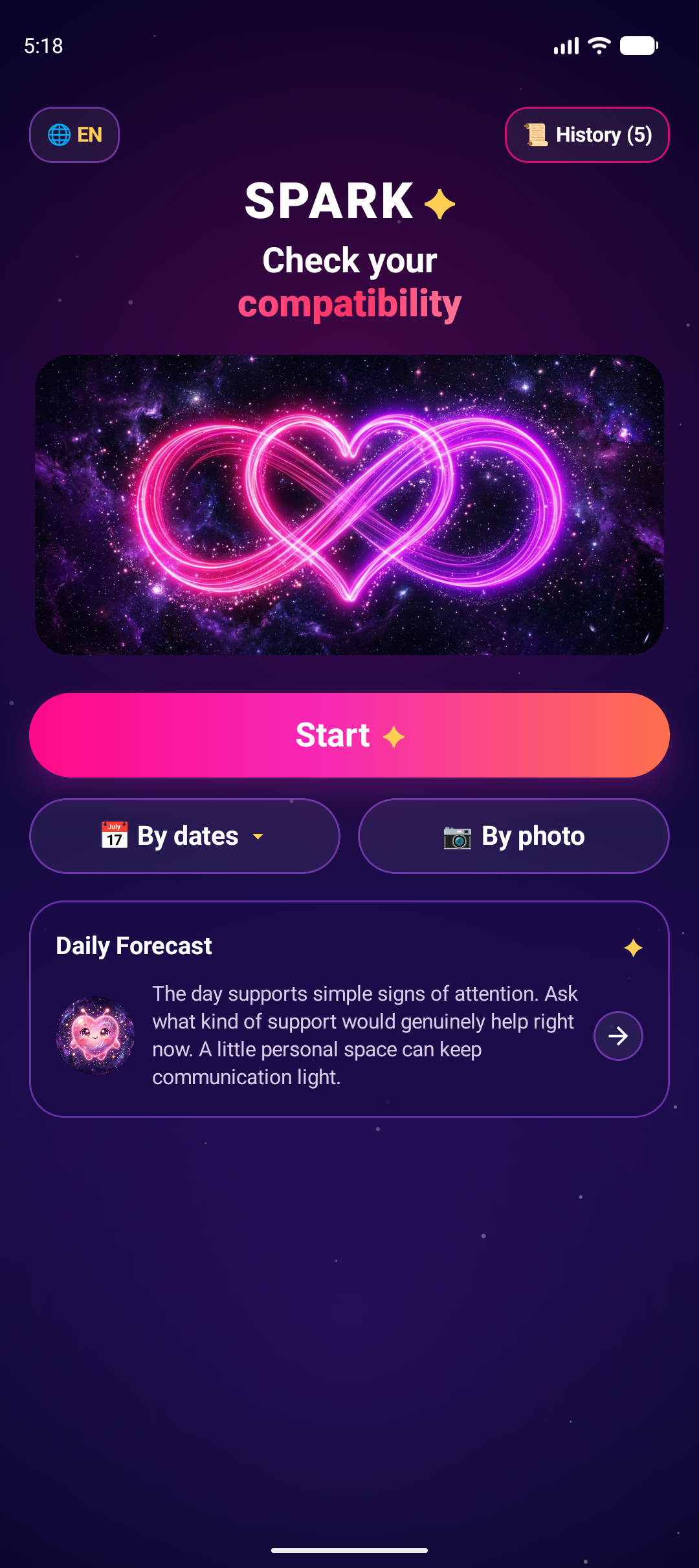
Enter names and birthdays. Choose love, friendship, teamwork or no connection — the app adapts to your scenario.
Two names. Two smiles. One small reason to get to know each other better. Explore your compatibility with LoveDay Spark.

Choose what brings you together. Then add a little cosmic magic.
Enter names and birthdays. Choose love, friendship, teamwork or no connection — the app adapts to your scenario.
Choose photos from your gallery or take new ones. Photo analysis with Gemini creates a playful interpretation of your pair.
Read your daily forecast, save a result in your history and share it with someone you care about.
From the first spark to a result you can explore together.

No mandatory registration. Your history is stored on your device, and photo analysis is a separate choice.
No. Scores, forecasts and photo analysis are for entertainment. They are not scientific, psychological or biometric assessments and should not guide important decisions.
Yes. Choose the birthday mode and enter your pair details. You do not need the camera or photo analysis.
No. The main features work without registration. Saved calculations are held in the app’s local history.
When you request AI analysis, the app resizes your selected images and sends them to Google Gemini with names and available zodiac context. Photos are not added to result history. See the privacy policy for details.
Delete entries in History or clear app storage in Android settings. Our data deletion page also explains backups and requests involving third-party providers.
AdMob banners help support the app. Where required, Google UMP lets you choose consent settings. This website does not display advertising banners.
Start your story with LoveDay Spark.
Open Google Play